Cage your AI agents before
they rage against your machine
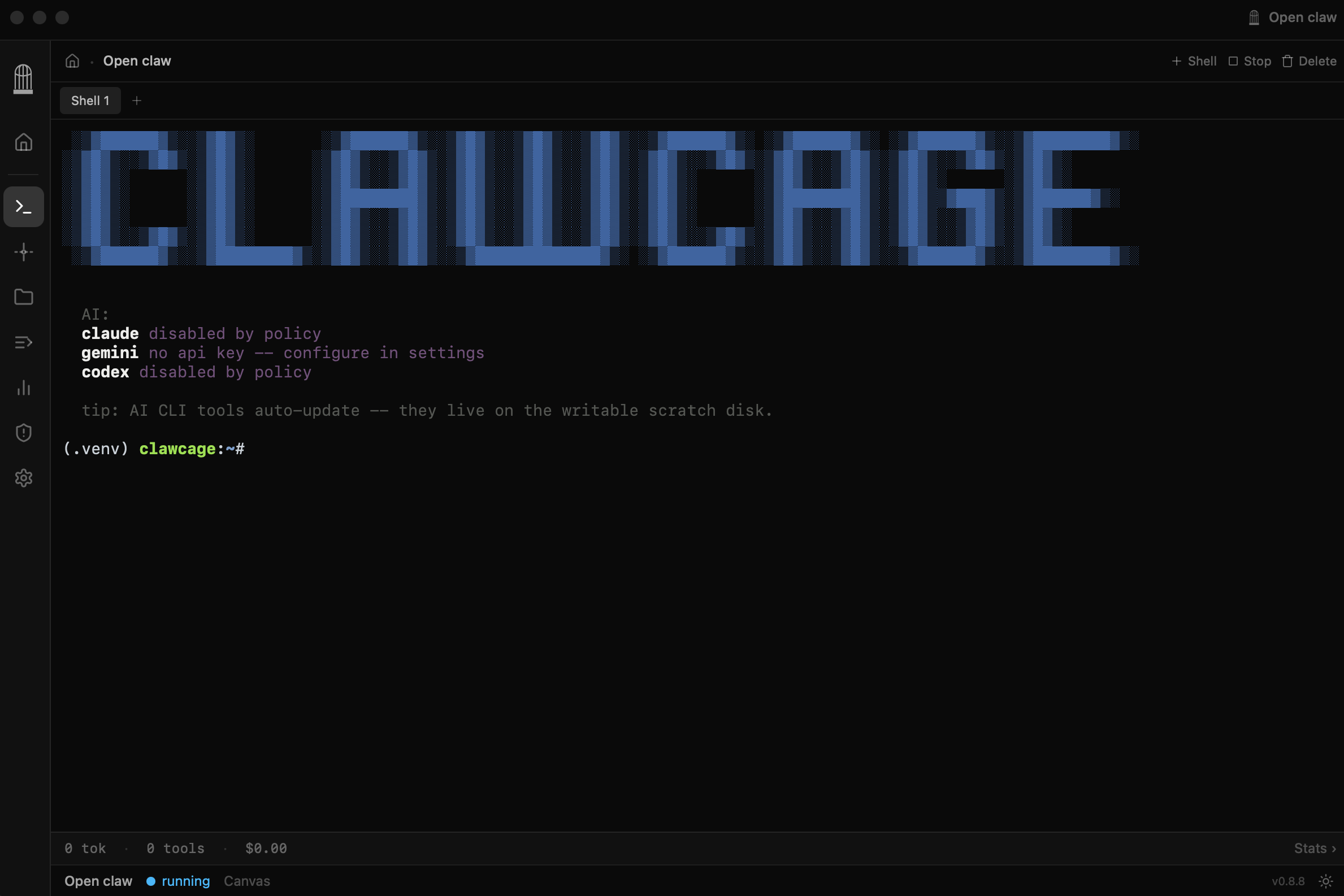
Clawcage runs every AI agent in an air-gapped Linux VM on your Mac. Full network inspection, credential isolation and kill-switch control.
macOS 13+ · Apple Silicon · Free & open source
Built for AI safety

Made to host any claw of your choice
You are not vendor locked to a specific claw — run any AI agent of your choice.



Air-Gapped Sandbox
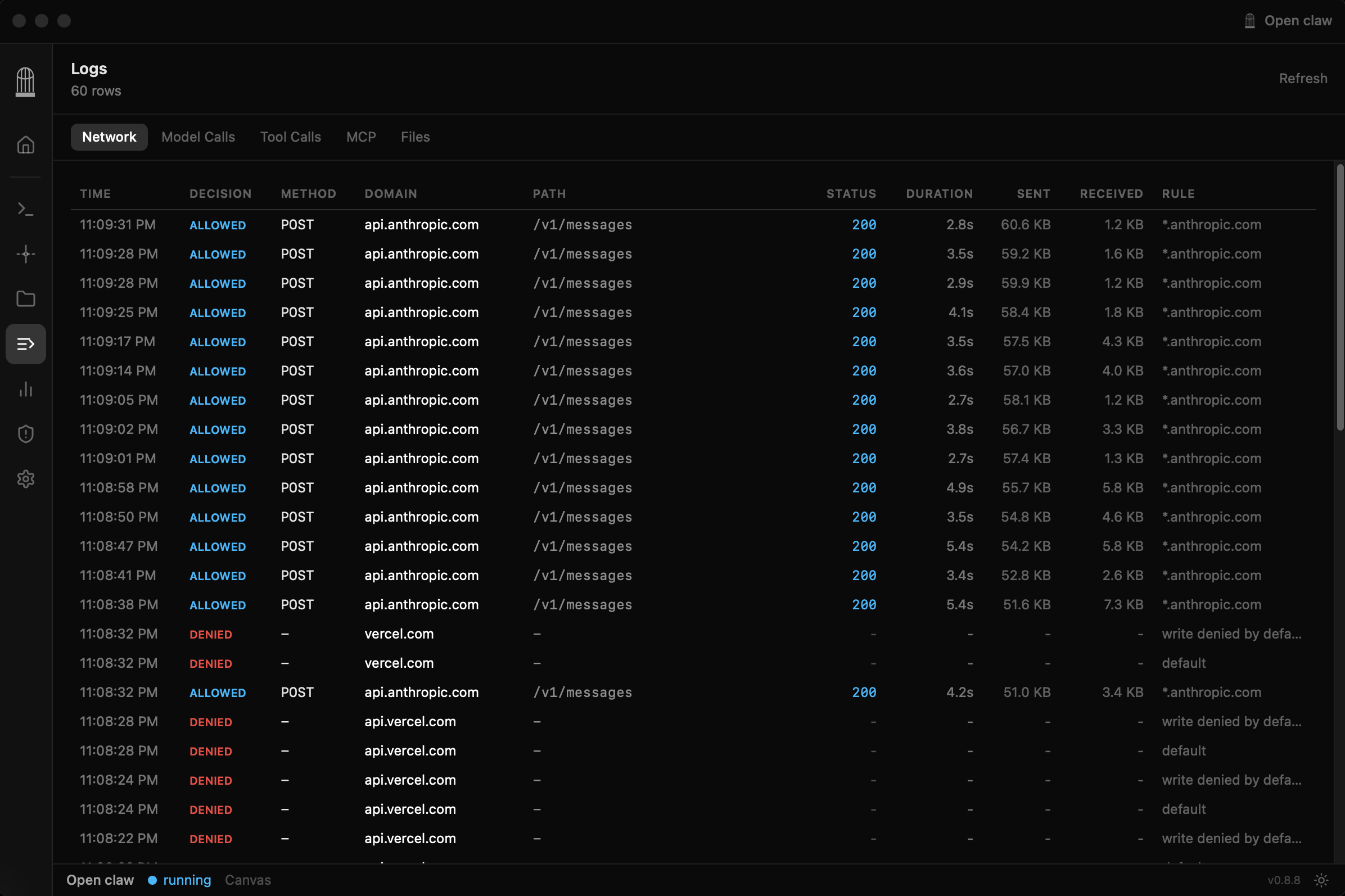
Every AI agent runs in a full Linux VM with no direct internet access. Traffic is routed through a MITM proxy with domain-level allow/block policies.
Full Visibility
See every HTTP request, tool call, and file change in real time.
Credential Isolation
API keys never enter the guest VM. The proxy injects credentials on the host side.
Network Policy Engine
Granular domain allow/block lists with HTTP method+path rules. Corp policies override user settings. Hot-reload without restarting.
Native Terminal
Full xterm.js terminal with multi-shell support, dynamic resize, and natural interaction.
Live System Metrics
Real-time CPU, memory, and disk usage charts from the guest VM.
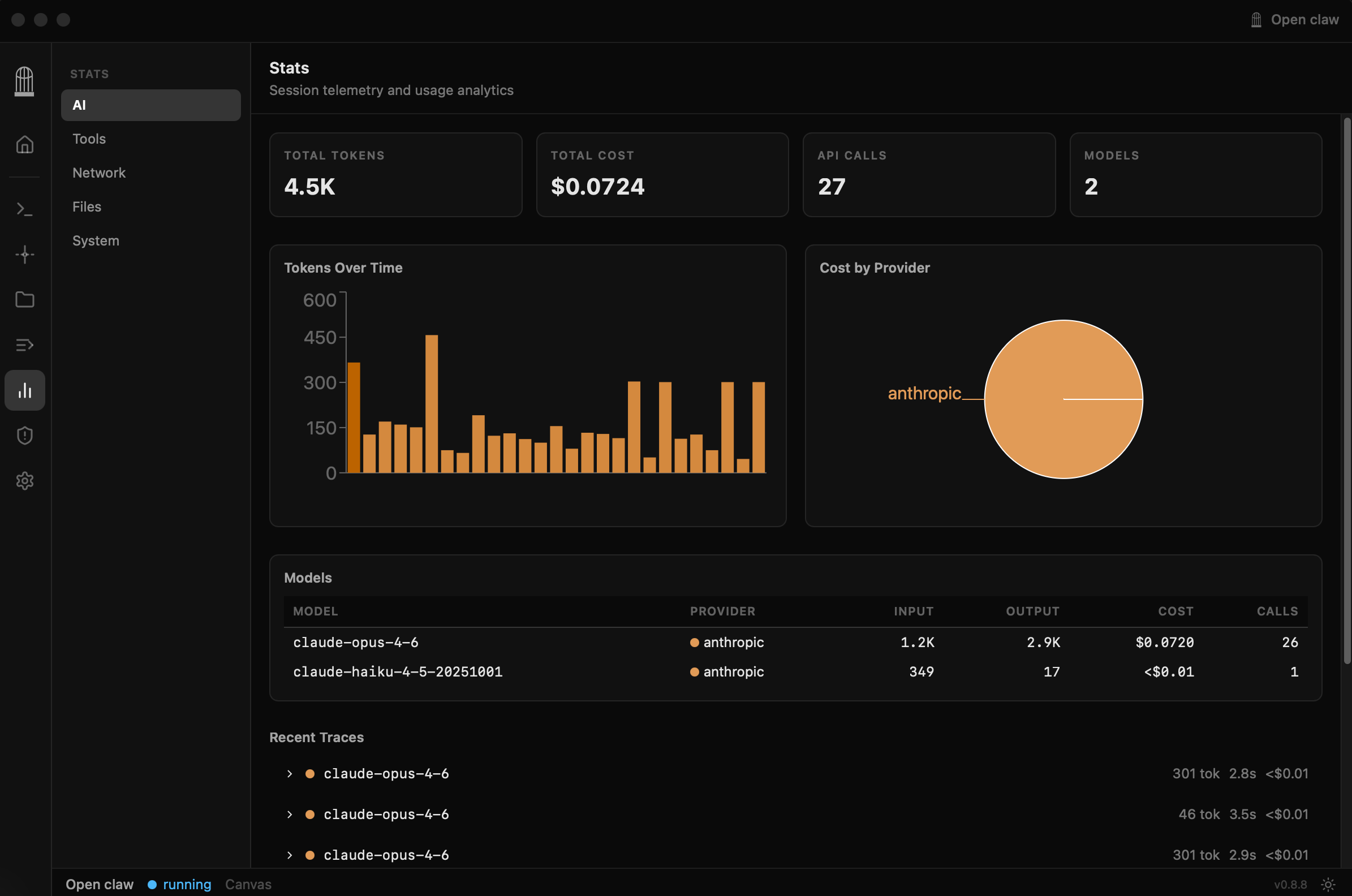
AI Usage Analytics
Track token usage, costs, and model calls per provider.
Ephemeral by Default
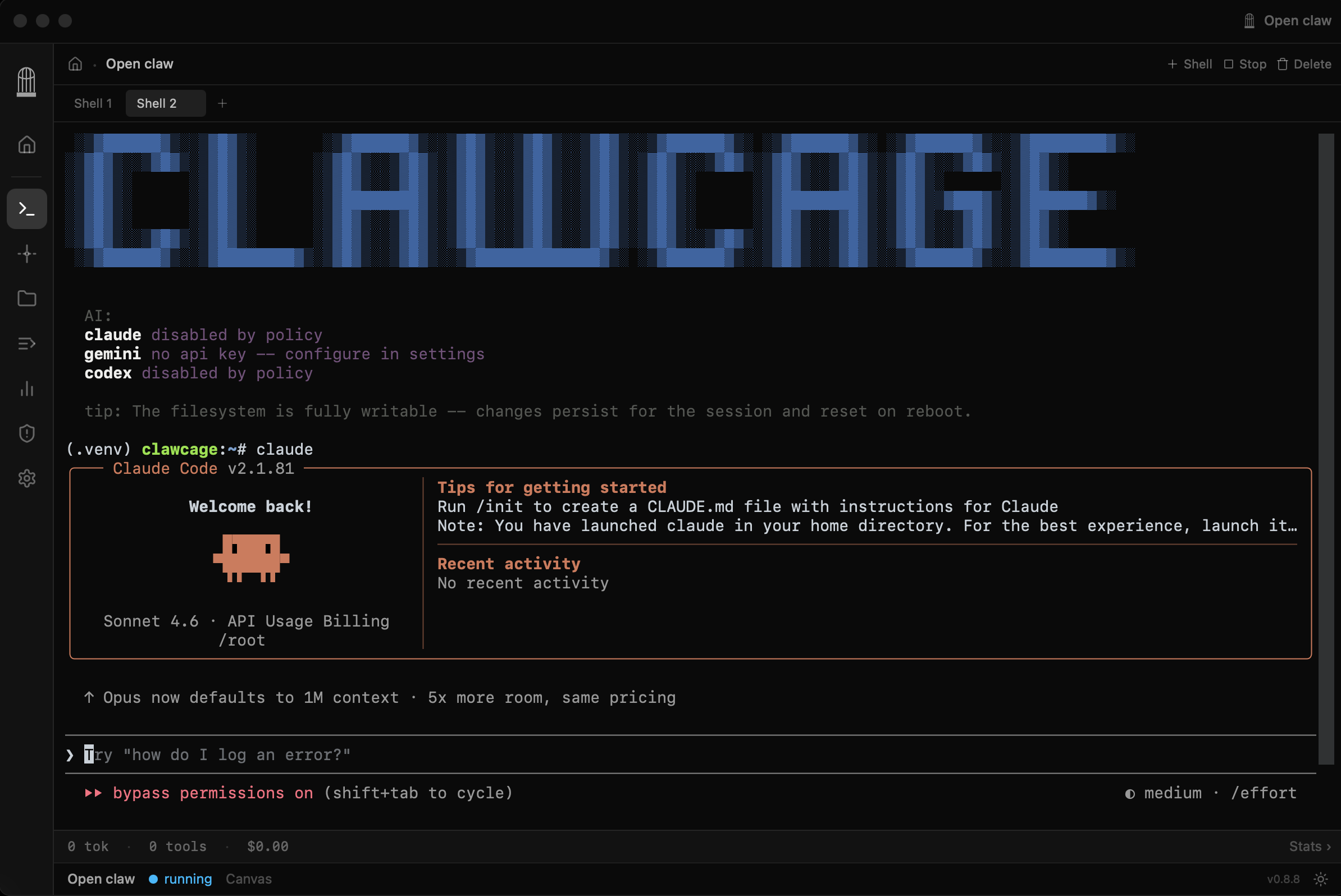
VMs are stateless — the scratch disk is formatted fresh every boot. No writes survive across sessions.
Zero to sandbox in 10 seconds
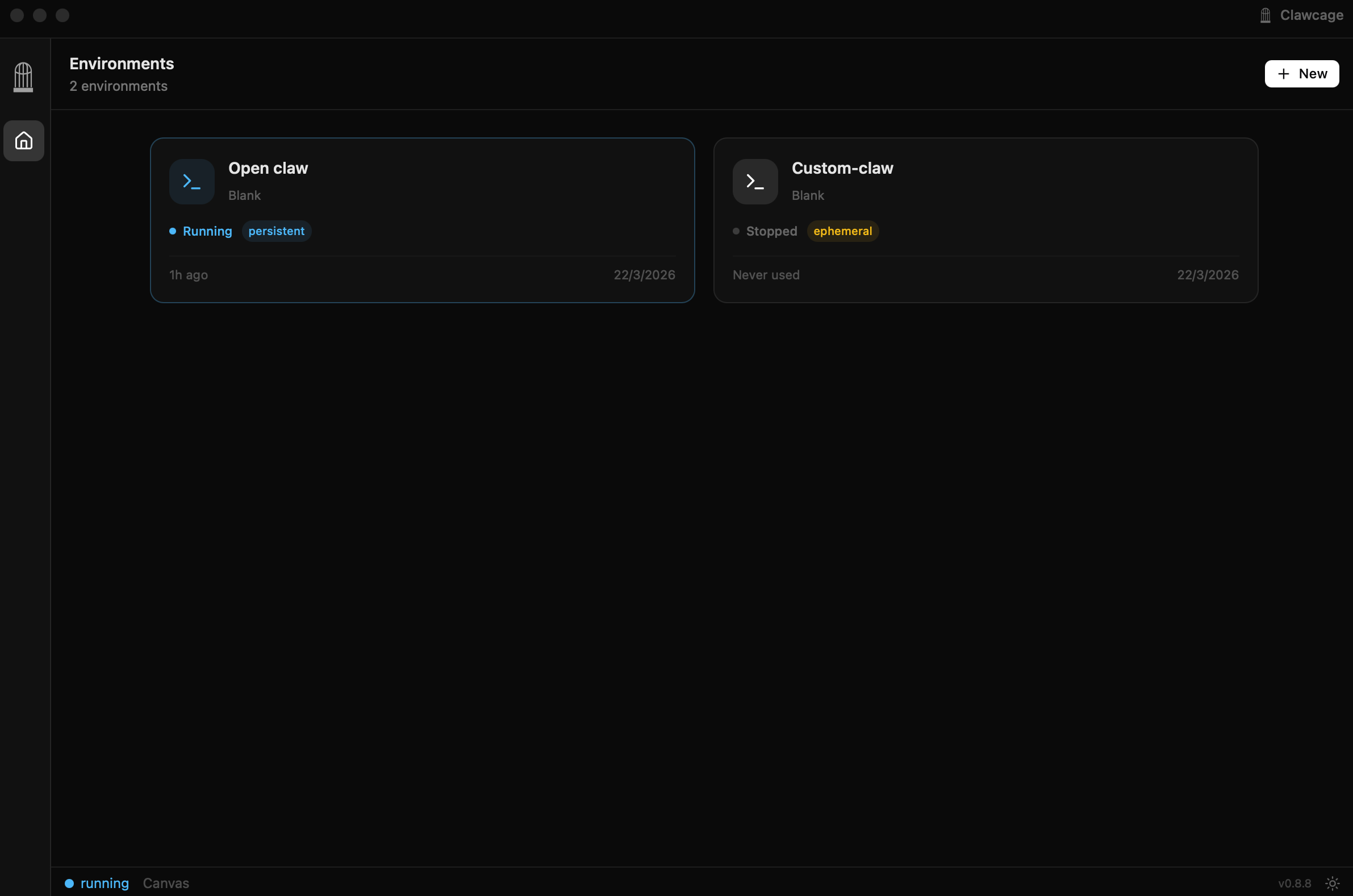
Create an environment
Pick a template, set hardware limits, and optionally add your API keys. Each environment is a fully isolated VM.
Run your AI agent
Launch Claude, Codex, Gemini, or any tool. It runs inside the VM with no direct internet access.
Observe everything
Watch every network request, tool call, and file change in real time. Block or allow domains on the fly.
Stay in control
Credential isolation keeps your API keys safe. Ephemeral VMs ensure nothing persists beyond the session.
Free forever. Pro when you need it.
Everything you need to sandbox AI agents locally.
- ✓Unlimited local VMs
- ✓Air-gapped sandbox with MITM proxy
- ✓Network policy engine
- ✓Credential isolation
- ✓Full telemetry & analytics
- ✓Bring your own API keys
Managed infrastructure so you don't have to bring your own.
- ✓Everything in Open Source
- ✓Managed AI inference endpoints
- ✓Managed VPN for sandboxed traffic
- ✓No API keys needed
- ✓Usage dashboard & billing
- ✓Priority support
Ready to sandbox your AI?
Free, open source, and built for developers who want full control over their AI agents.